
Ultron AI: Chatbot & Assistant
Ask, write and explore. In your own words.

A question is a place to start.
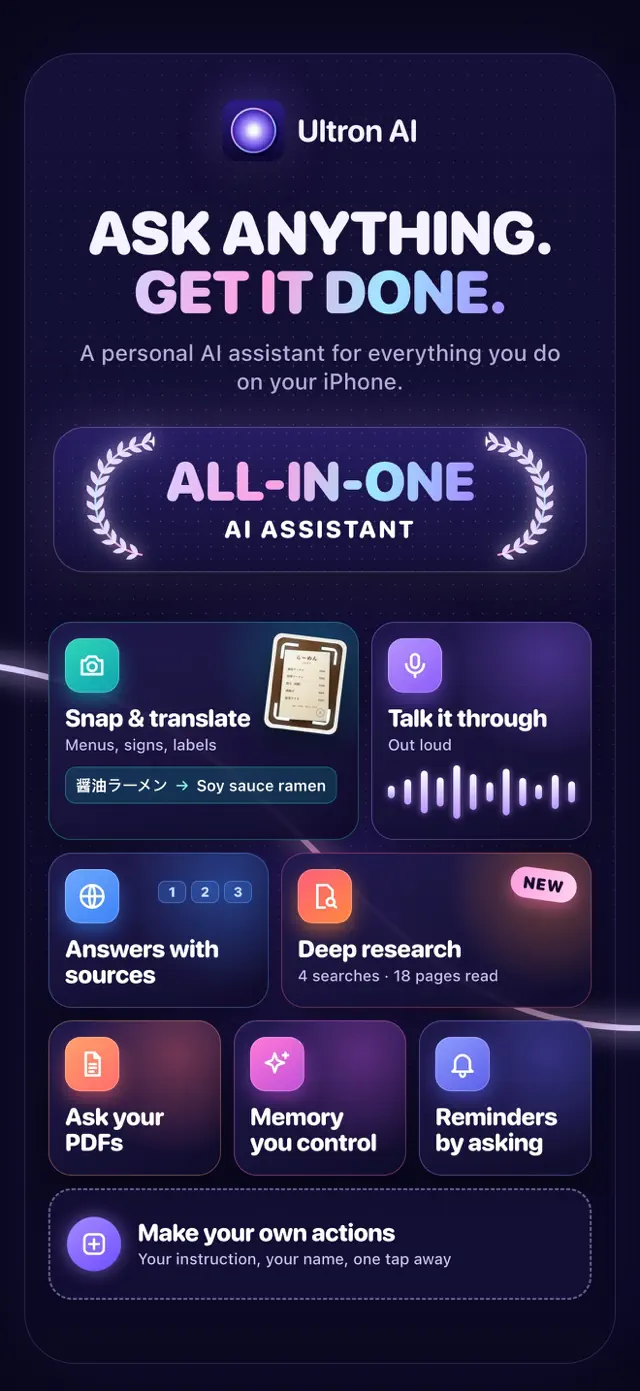
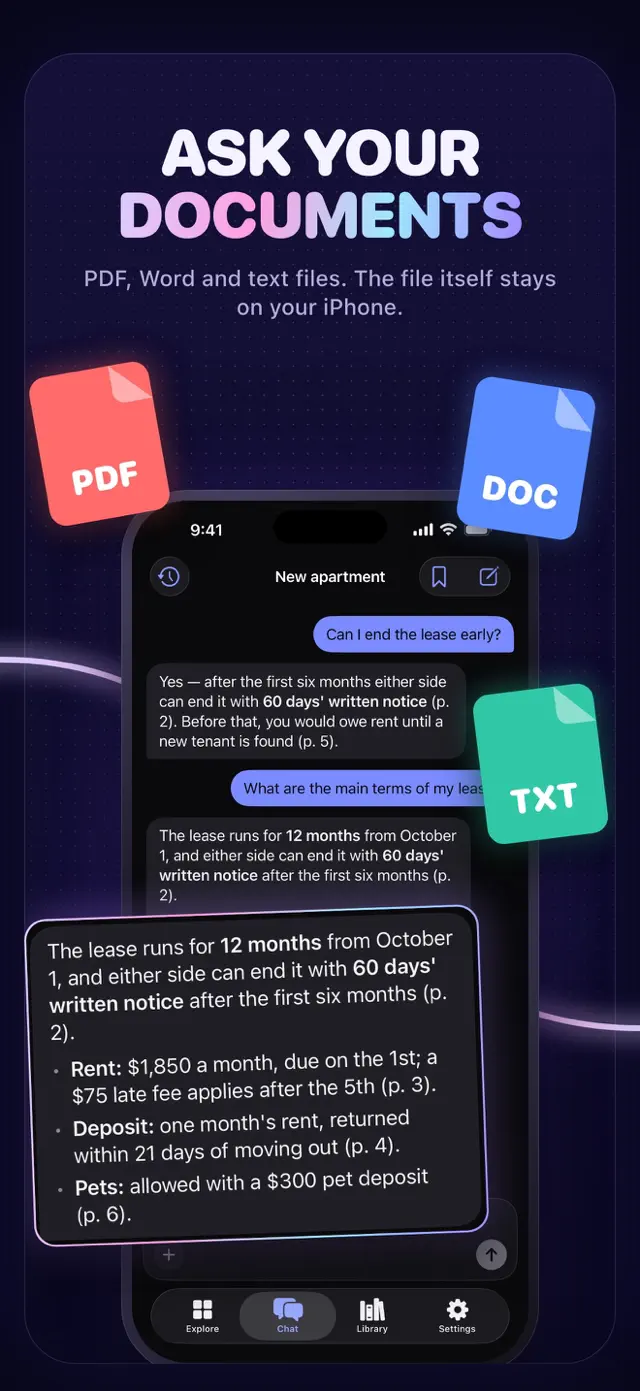
A question, a document or something you see can start a conversation. Ultron AI brings text, voice and camera questions into an iPhone assistant, with projects for the things you want to keep working on.
Start with what is in front of you
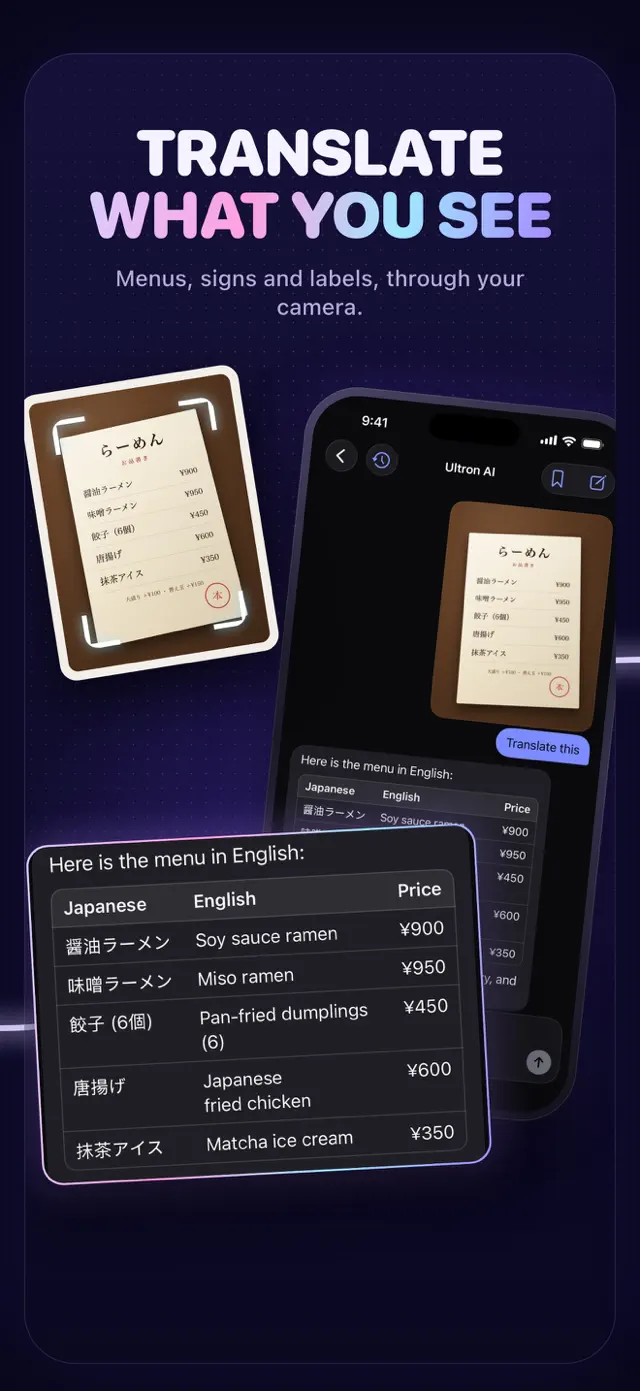
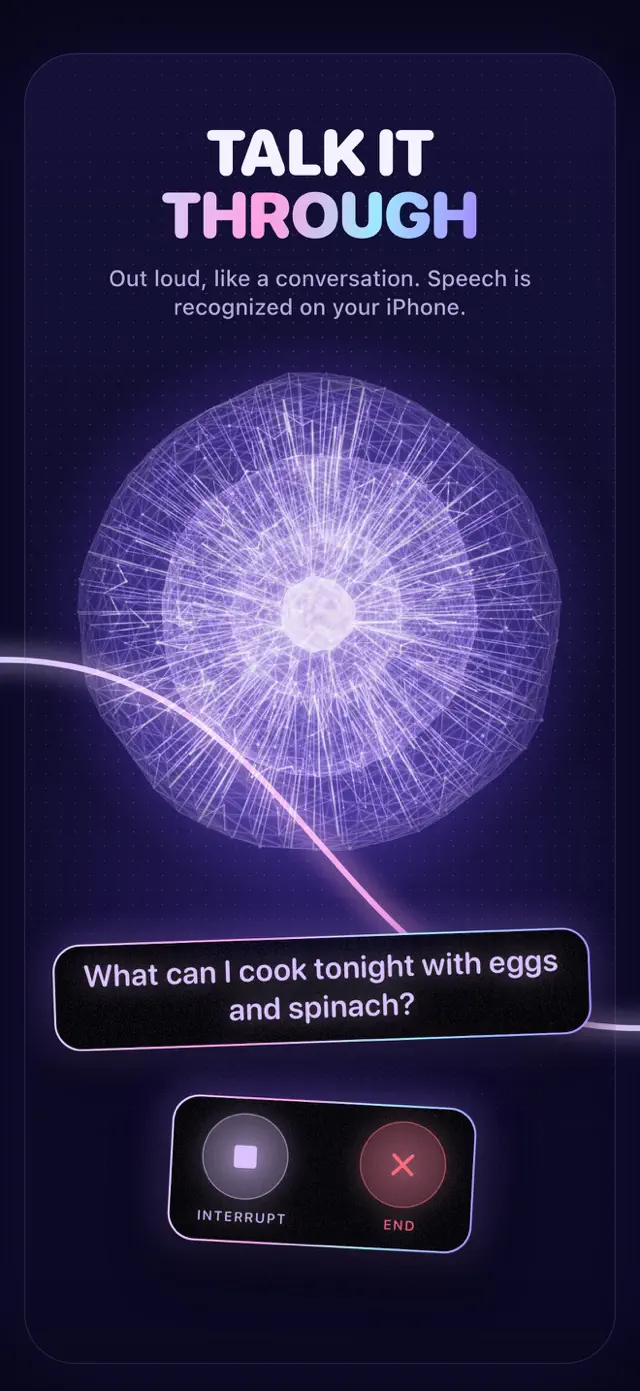
Type a question, speak it or scan something with the camera. Explore a sign, menu or page, work on a piece of writing, and continue with follow-up questions.
Give a bigger question some space
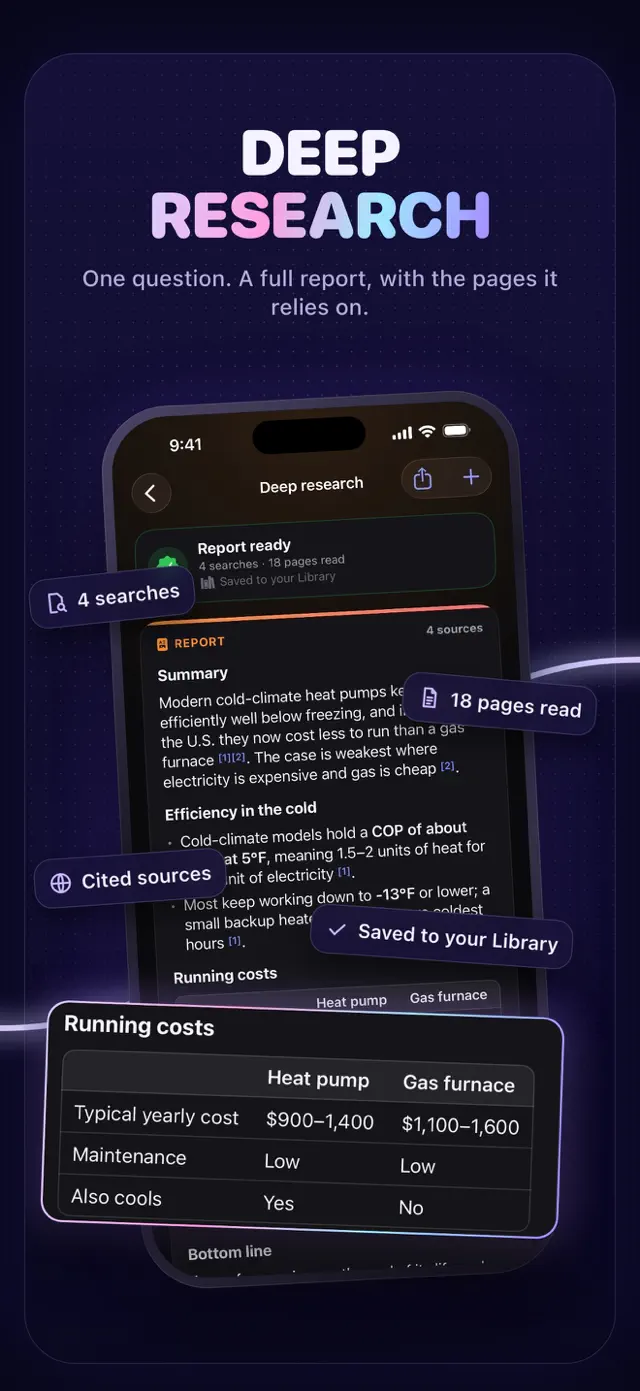
Projects bring related conversations, files and instructions together. Document questions and deep research offer other ways to explore a topic; research reports include sources and are saved to a library.
Make the next step practical
Use prepared actions, create an instruction of your own, or share material from another app. For a reminder, review what Ultron prepares and confirm before adding it to Reminders. Feature availability depends on the plan.
A closer look.
Explore the app, screen by screen.
Put it into your day.
Bring a question
Begin with text, your voice or the camera.
Explore the context
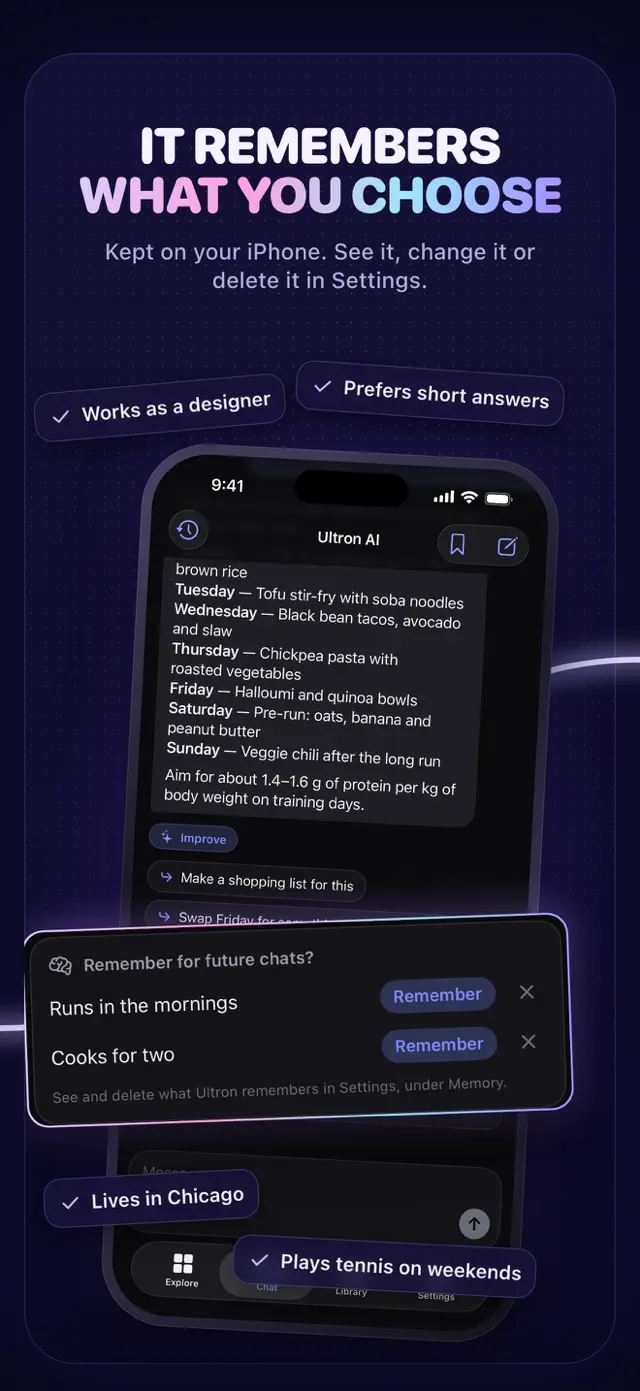
Follow up or organise the work in a project.
Review the result
Check the answer and its sources before using it.
Here when you need us.
Find help, ask a question or read the app’s policies.