
SumSnap: Receipt Scanner
Turn a pile of receipts into a clearer picture.

Keep the receipt. Find the useful part.
A receipt holds more than a total. SumSnap turns a photo or a video scan into an organised purchase record, then offers ways to explore the information across your receipts.
Capture the whole purchase
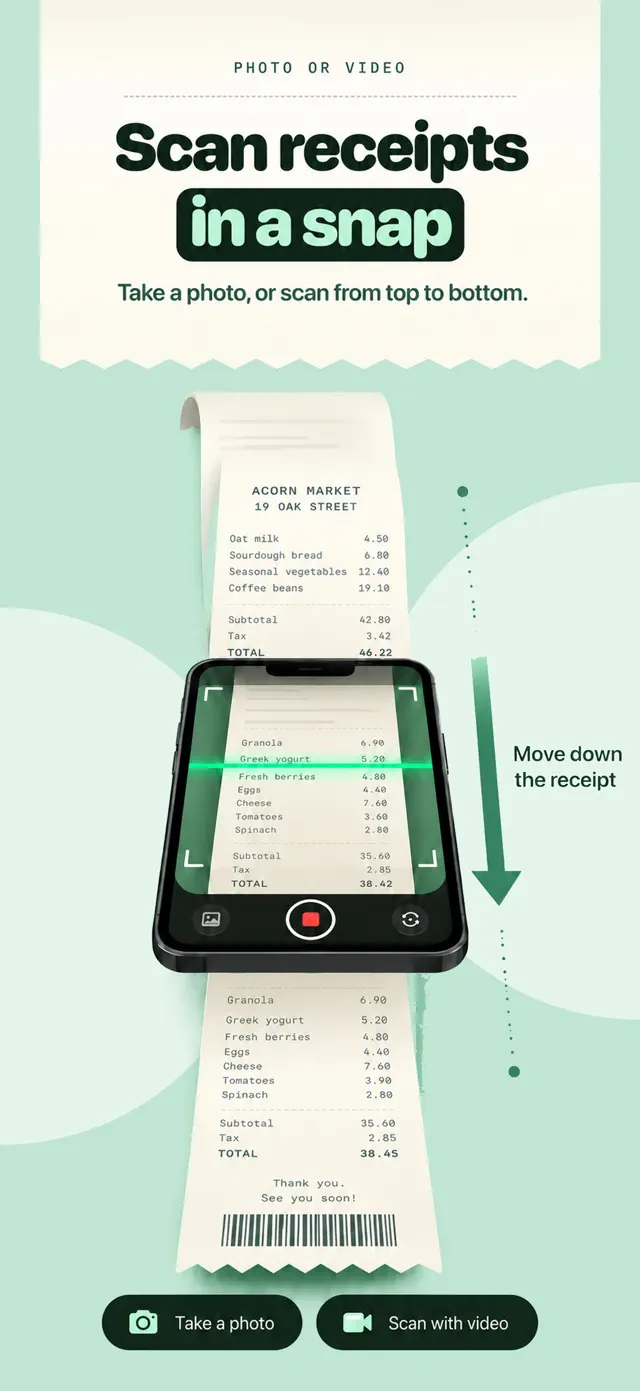
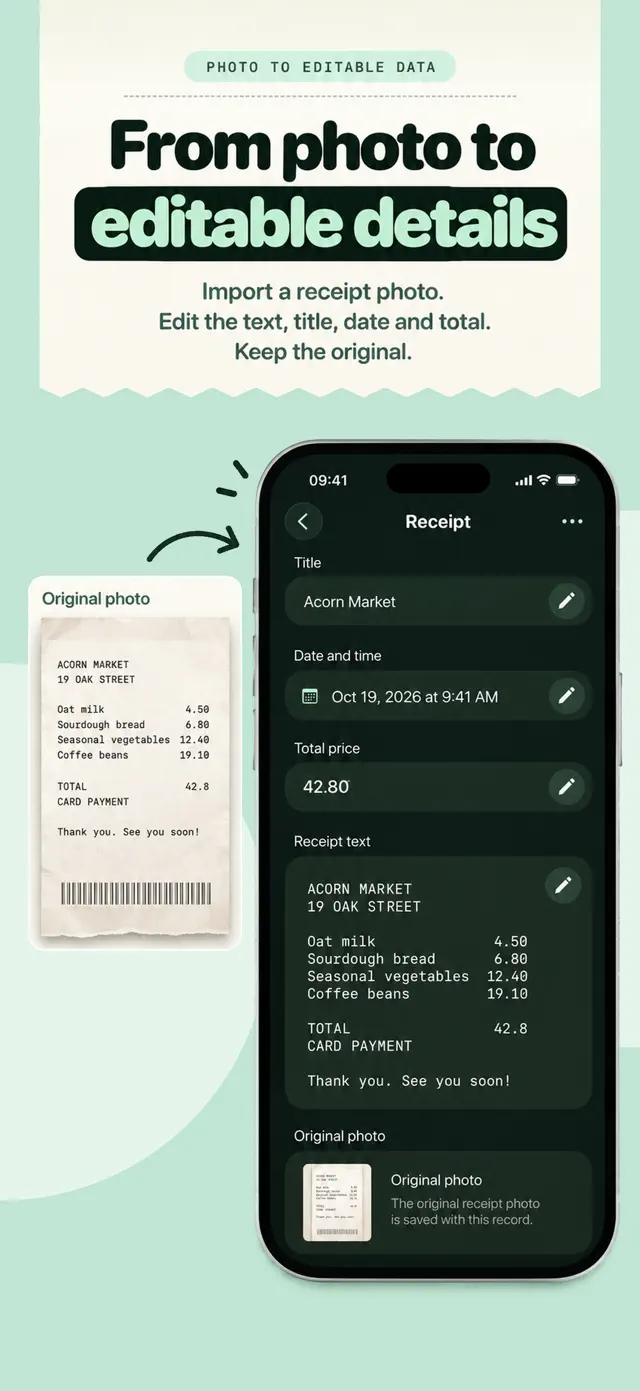
Photograph a receipt, import an image or scan a long receipt with video from top to bottom. OCR turns printed details into editable text. Review the title, date and total, make corrections and keep the original image with the record.
Ask about what you bought
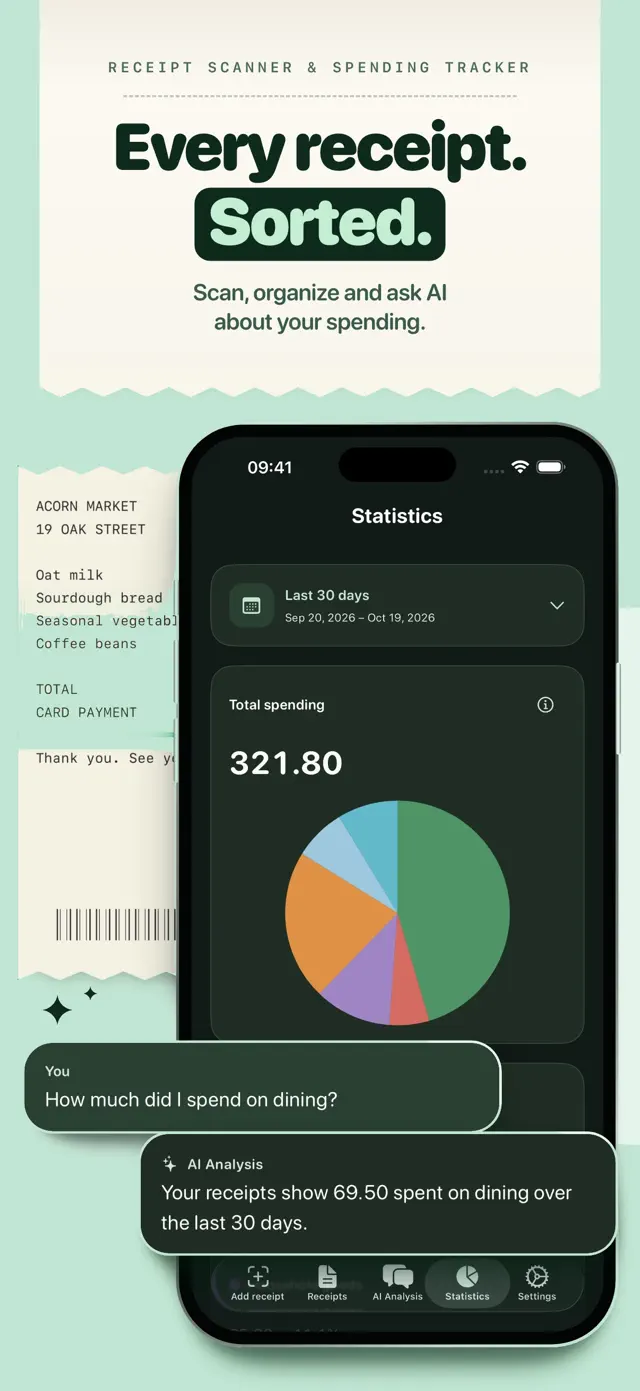
Ask AI a question about one receipt or your saved collection. Answers refer back to relevant records, so you can return to the purchases behind them. It is another way into the information, alongside browsing your receipt library.
See spending in context
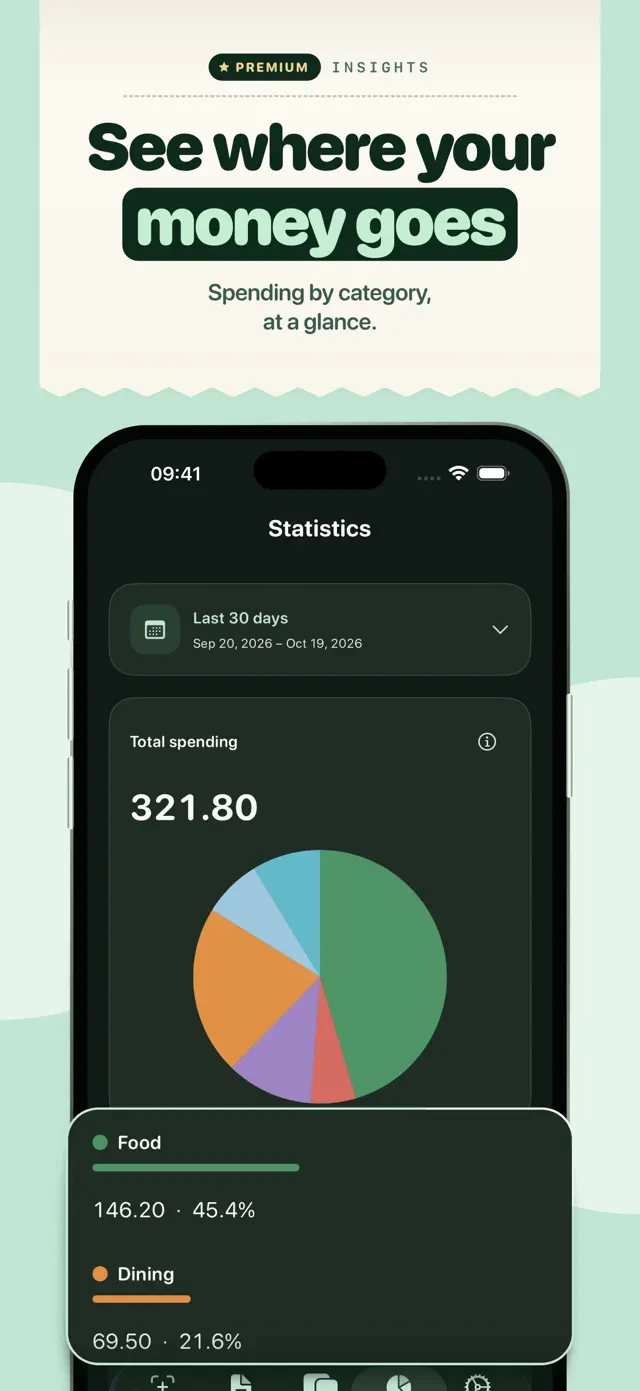
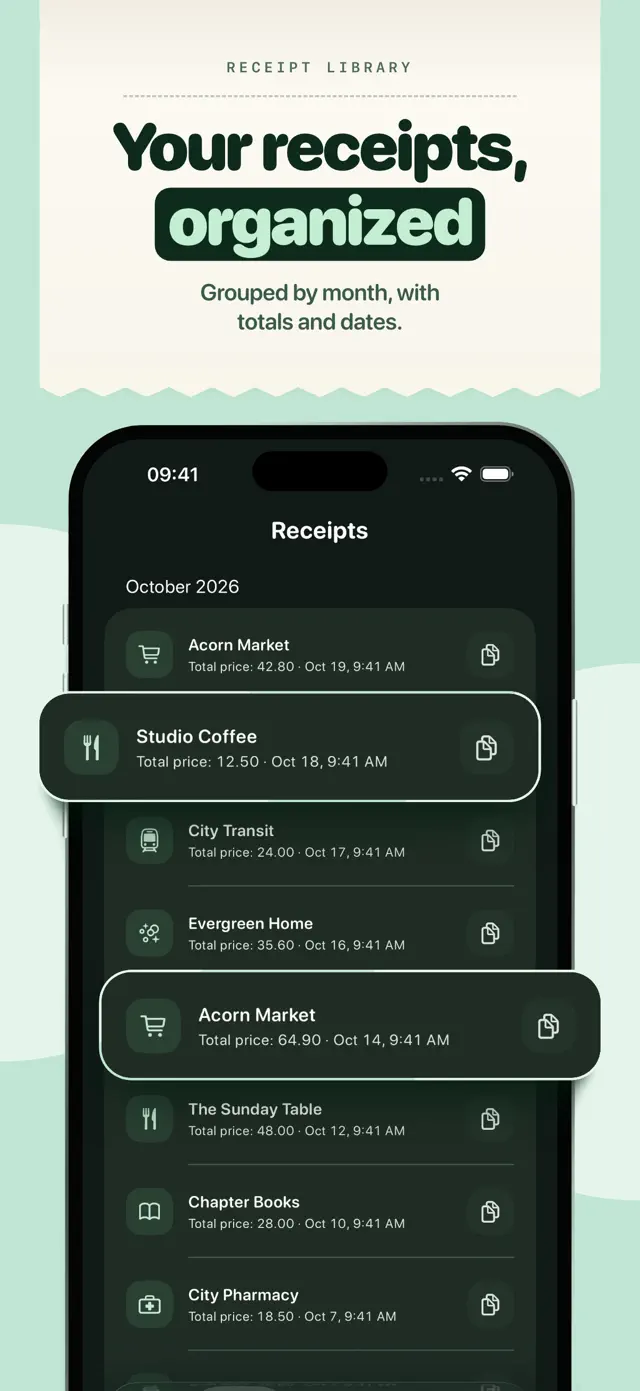
Records are grouped by month for browsing. Premium adds spending statistics, category charts and custom date ranges, giving a different view of purchases over time. The original receipt remains available when you want to look more closely.
A closer look.
Explore the app, screen by screen.

Put it into your day.
Capture a receipt
Use a photo, an imported image or a video scan for a longer receipt.
Review the details
Check and edit recognised information before relying on the record.
Explore your purchases
Browse the library, ask a question or review available spending charts.
Here when you need us.
Find help, ask a question or read the app’s policies.
Review recognised details and AI answers before relying on them. SumSnap does not replace financial, accounting or tax advice.